A colour-swatch effect: repeat a template drawable, one per colour
Source:R/effect_swatch.R
effect_swatch.Rdeffect_swatch() builds a group of length(color) copies of a
template drawable, laid out left to right and each independently
filled from color – a colour-preview effect for any palette_*()
function's own output (or any other character vector of colours).
Usage
effect_swatch(object = shape_rectangle(color = NA_character_), color, gap = 0)Arguments
- object
A template drawable, repeated once per colour. Its own bounding-box width (the range of
object@points@x) sets the spacing between copies; every property besidesstyle@fillcarries over unchanged. Defaultshape_rectangle()with no visible border.- color
A character vector of colours to preview, in order (e.g. the output of another
palette_*()function). Sinceobjecthas a default and comes first, passcolorby name unless also supplyingobject.- gap
A single non-negative number: the horizontal spacing between adjacent copies, in the same units as
object's own bounding-box width. Default0(contiguous swatches, no gap).
Value
A group of length(color) copies of object.
Details
Every property of object besides style@fill – its own size,
style@color/linewidth, trans, ... – carries over unchanged to
every copy, via the same S7::set_props() contract effect_tremor()/
effect_bristle() already use. Unlike those two, object need not be
pathlike (see drawable's own pathlike docs) – a shape_rectangle()'s
own x/y is a centroid, not a perturbable control-point path – so
each copy is instead repositioned by composing a trans_translate()
onto object's own trans, the one mechanism every drawable class
supports uniformly regardless of what its own x/y means. This also
means object can be any drawable, not just a rectangle – swatch a
palette across circles, blobs, or stars by passing a different
template.
Swatches render with hard edges rather than blending into one another,
since that's a more honest representation of a palette whose colours
are meant to be used as-is (e.g. palette_manual()/palette_harmony())
– a smooth interpolation between swatches would show shades that
aren't actually part of the palette.
See also
Other effects:
effect_bristle(),
effect_grain(),
effect_tremor()
Examples
draw(effect_swatch(color = palette_manual(index = 3)))
 draw(effect_swatch(color = palette_harmony("steelblue", scheme = "triadic"), gap = 0.1))
 # any drawable can serve as the template, not just a rectangle
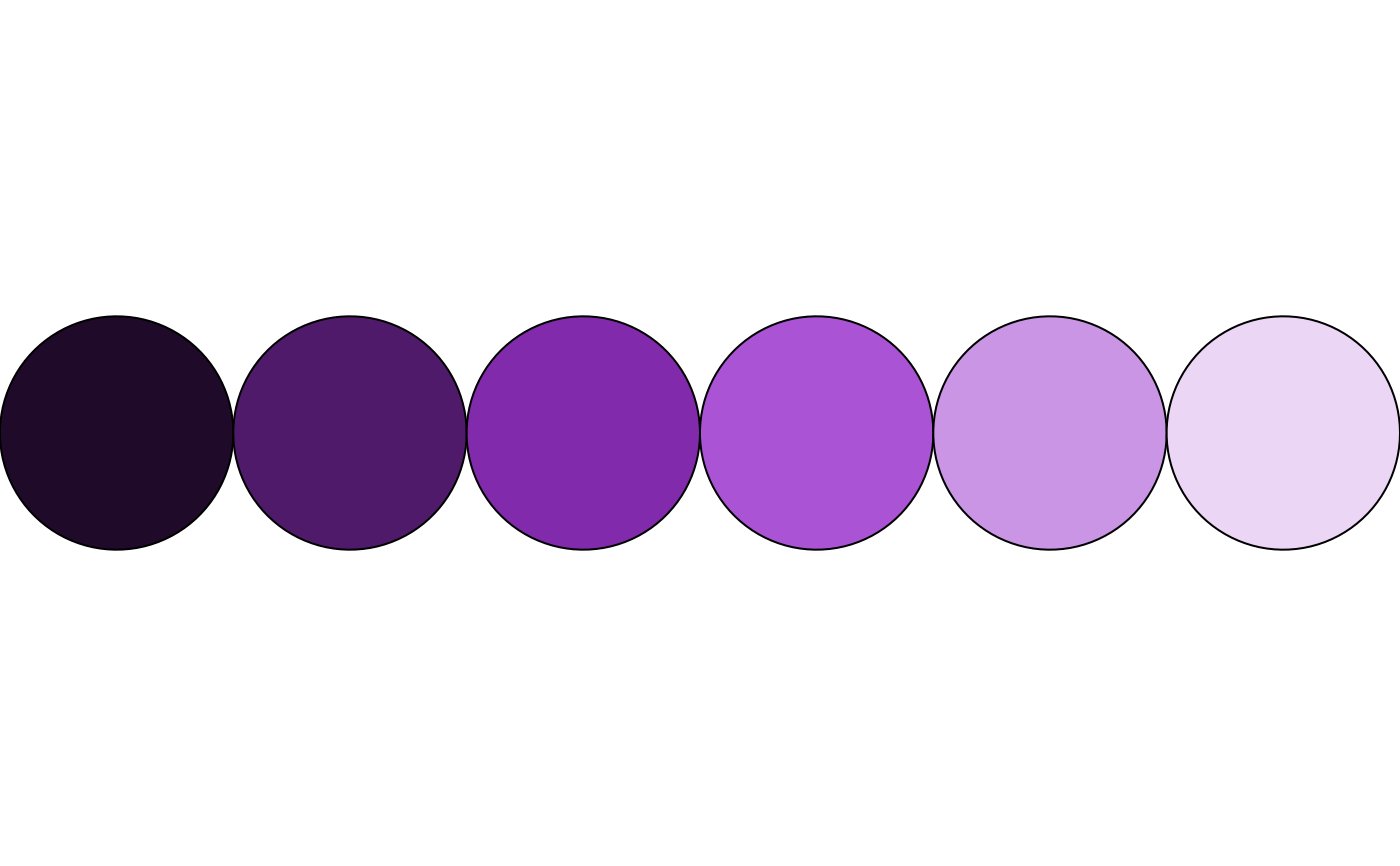
draw(effect_swatch(shape_circle(radius = 0.5), palette_tonal("darkorchid", n = 6)))
# any drawable can serve as the template, not just a rectangle
draw(effect_swatch(shape_circle(radius = 0.5), palette_tonal("darkorchid", n = 6)))