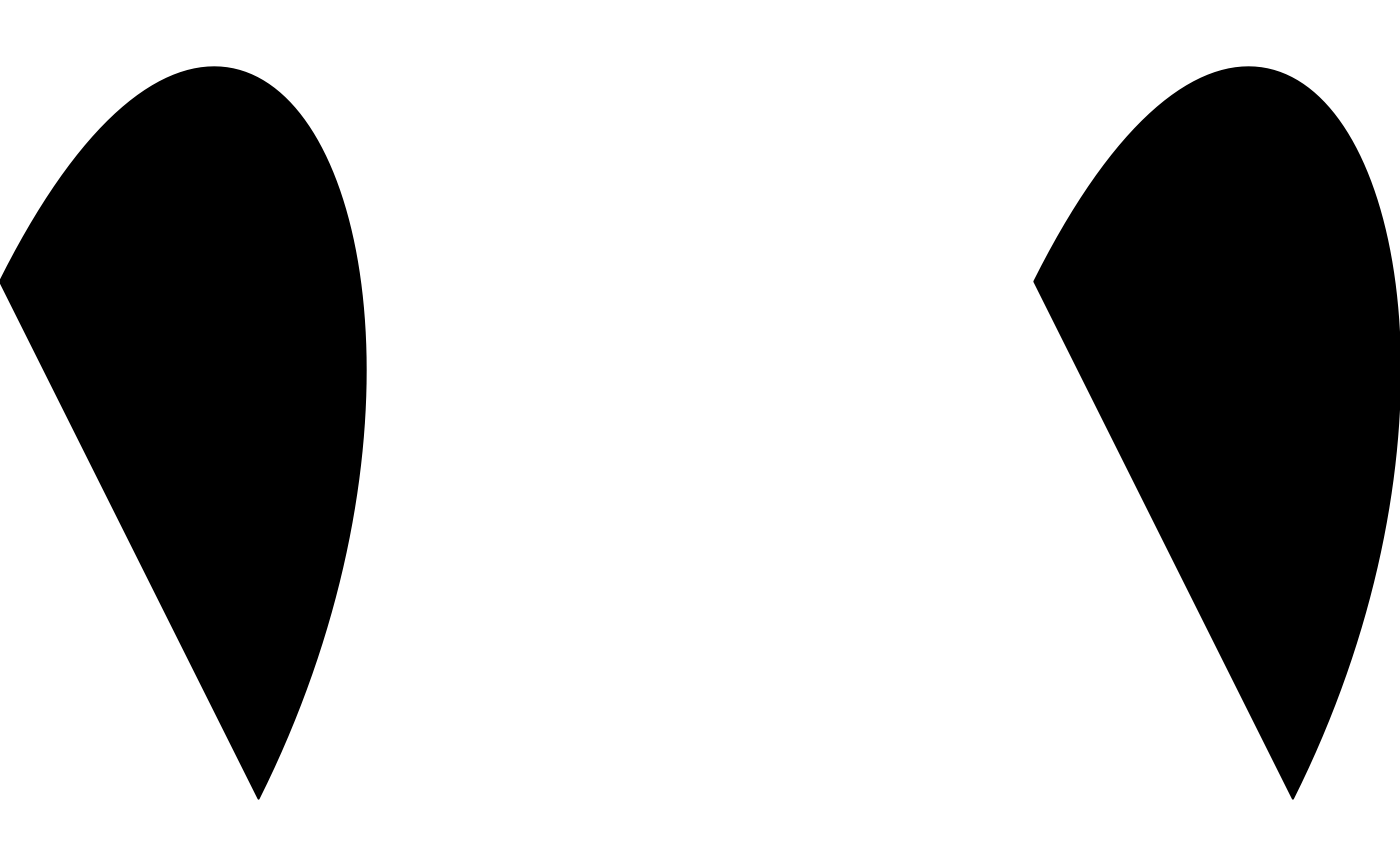
shape_bezier is a drawable whose outline follows a Bezier curve
defined by an arbitrary number of control points (x, y). With two
control points this is a straight line; with four, a cubic Bezier of
the kind used to build ribbons and other flowing shapes.
shape_beziers() is a vectorized version of shape_bezier(). Since
x/y are themselves numeric vectors of control points for a single
curve, shape_beziers() takes them as a list() of numeric vectors
instead – one vector of control points per shape – rather than a
bare vector (which shape_circles()-style constructors use for a
plain per-shape scalar).
Usage
shape_bezier(x, y, n = 100L, trans = trans_identity(), ...)

shape_beziers(x, y, n = 100L, trans = trans_identity(), ...)
Arguments
- x, y
For
shape_bezier(), numeric vectors of control point coordinates, the same length, with at least two control points. Forshape_beziers(), alist()of such vectors instead – one vector of control points per shape.- n
Number of points used to sample the curve. Default
100L.- trans
A trans object applied to the shape's computed points. Default
trans_identity()(no transform).- ...
Arguments passed to
style().
Details
Since draw() renders every "polygon"-geometry drawable's points
as a closed polygon, the curve is implicitly closed from its last
control point back to its first – for an open Bezier curve/path
instead, see curve_bezier().
Every other argument may be a plain vector, recycled against x/y
via purrr::pmap()'s own vctrs-based rules (any length-1 element is
broadcast to the common length; mismatched lengths greater than 1
raise an error). The result is a sketch containing one
shape_bezier() per list element/recycled row, rather than a single
drawable.
Examples
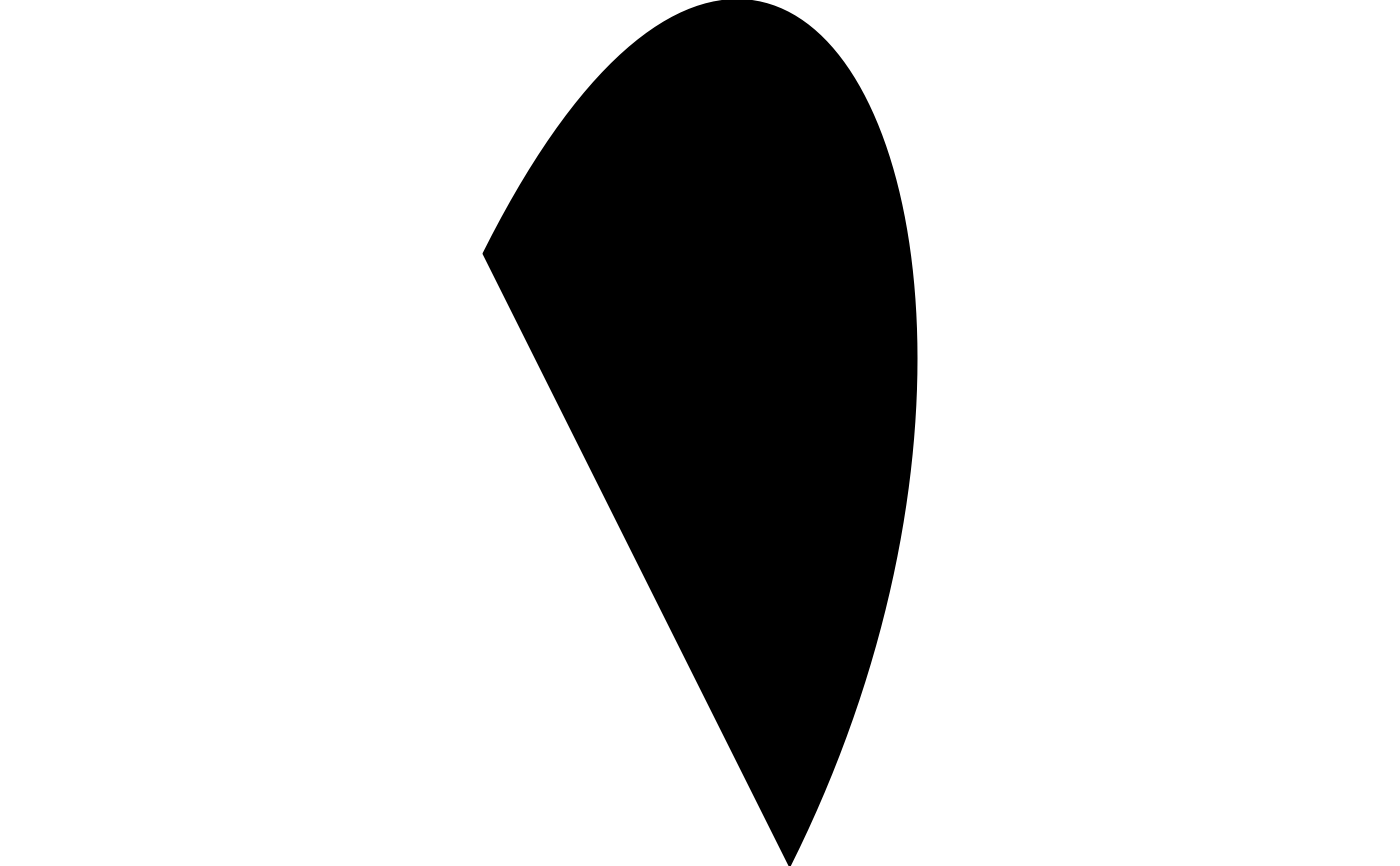
draw(shape_bezier(x = c(0, 0.5, 1, 0.5), y = c(0, 1, 0, -1)))
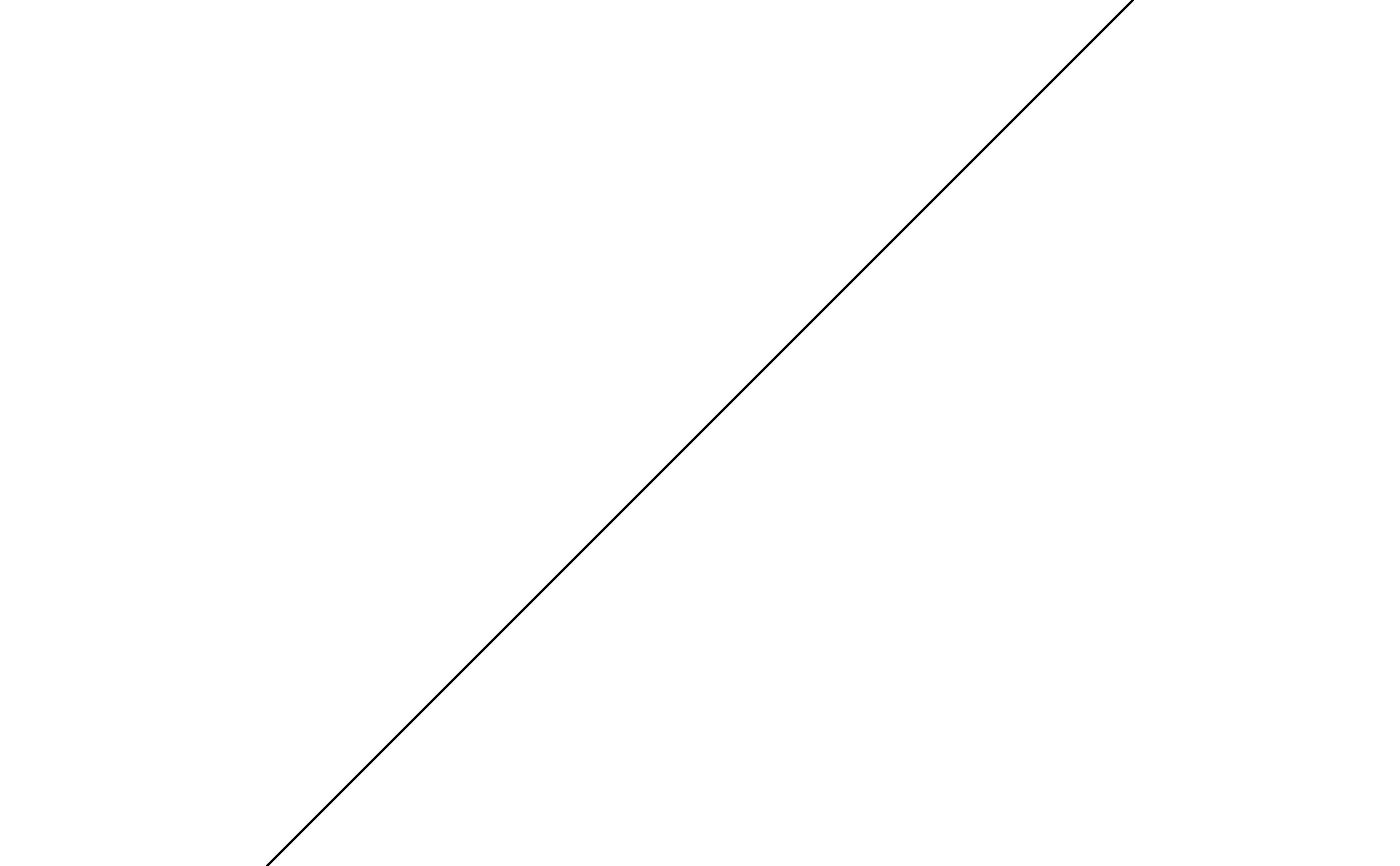
 # two control points collapse the curve to a straight-edged polygon
draw(shape_bezier(x = c(0, 1), y = c(0, 1), fill = "steelblue"))
# two control points collapse the curve to a straight-edged polygon
draw(shape_bezier(x = c(0, 1), y = c(0, 1), fill = "steelblue"))
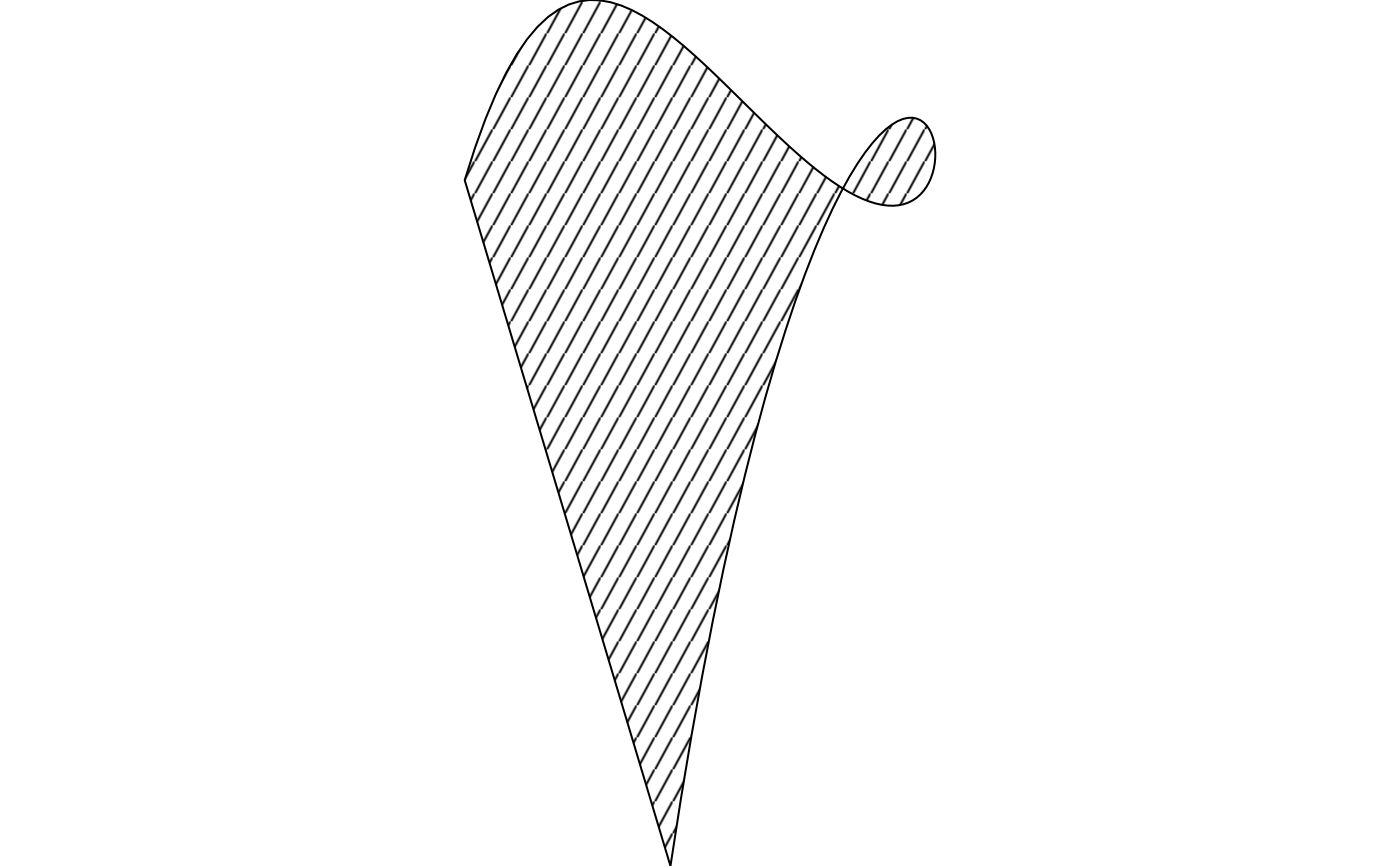
 # more control points give the curve more inflections
draw(shape_bezier(
x = c(0, 0.3, 0.6, 1, 0.6, 0.3), y = c(0, 1, -1, 0, 1, -1),
fill = fill_hatch(angle = 60, spacing = 0.08)
))
# more control points give the curve more inflections
draw(shape_bezier(
x = c(0, 0.3, 0.6, 1, 0.6, 0.3), y = c(0, 1, -1, 0, 1, -1),
fill = fill_hatch(angle = 60, spacing = 0.08)
))
 draw(shape_beziers(
x = list(c(0, 0.5, 1, 0.5), c(2, 2.5, 3, 2.5)),
y = list(c(0, 1, 0, -1), c(0, 1, 0, -1))
))
draw(shape_beziers(
x = list(c(0, 0.5, 1, 0.5), c(2, 2.5, 3, 2.5)),
y = list(c(0, 1, 0, -1), c(0, 1, 0, -1))
))