curve_bezier is a drawable whose path follows a Bezier curve defined
by an arbitrary number of control points (x, y), using the same
Bernstein-polynomial machinery as shape_bezier(). Where shape_bezier()
always closes back to its first control point (a consequence of every
"polygon"-geometry drawable being rendered as a closed
grid::polygonGrob()), curve_bezier() sets geometry = "path" and is
rendered as an open grid::polylineGrob() instead, stopping at its last
control point rather than looping back.
curve_beziers() is a vectorized version of curve_bezier(). Since
x/y are themselves numeric vectors of control points for a single
curve, curve_beziers() takes them as a list() of numeric vectors
instead – one vector of control points per curve.
Usage
curve_bezier(x, y, n = 100L, trans = trans_identity(), ...)

curve_beziers(x, y, n = 100L, trans = trans_identity(), ...)
Arguments
- x, y
For
curve_bezier(), numeric vectors of control point coordinates, the same length, with at least two control points. Forcurve_beziers(), alist()of such vectors instead – one vector of control points per curve.- n
Number of points used to sample the curve. Default
100L.- trans
A trans object applied to the curve's computed points. Default
trans_identity()(no transform).- ...
Arguments passed to
style().
Details
style@fill has no effect for curve_bezier() – see drawable's
geometry documentation for why "path" geometries have no interior to
fill. Passing fill via ... is still accepted (it's simply ignored at
draw time), since style() is shared across every geometry.
Every other argument may be a plain vector, recycled against x/y
via purrr::pmap()'s own vctrs-based rules (any length-1 element is
broadcast to the common length; mismatched lengths greater than 1
raise an error). The result is a sketch containing one
curve_bezier() per list element/recycled row, rather than a single
drawable.
See also
Other 1D curves:
curve_arc(),
curve_line(),
curve_raw(),
curve_scribble(),
curve_spiral(),
curve_twist()
Examples
draw(curve_bezier(x = c(0, 0.5, 1), y = c(0, 1, 0)))
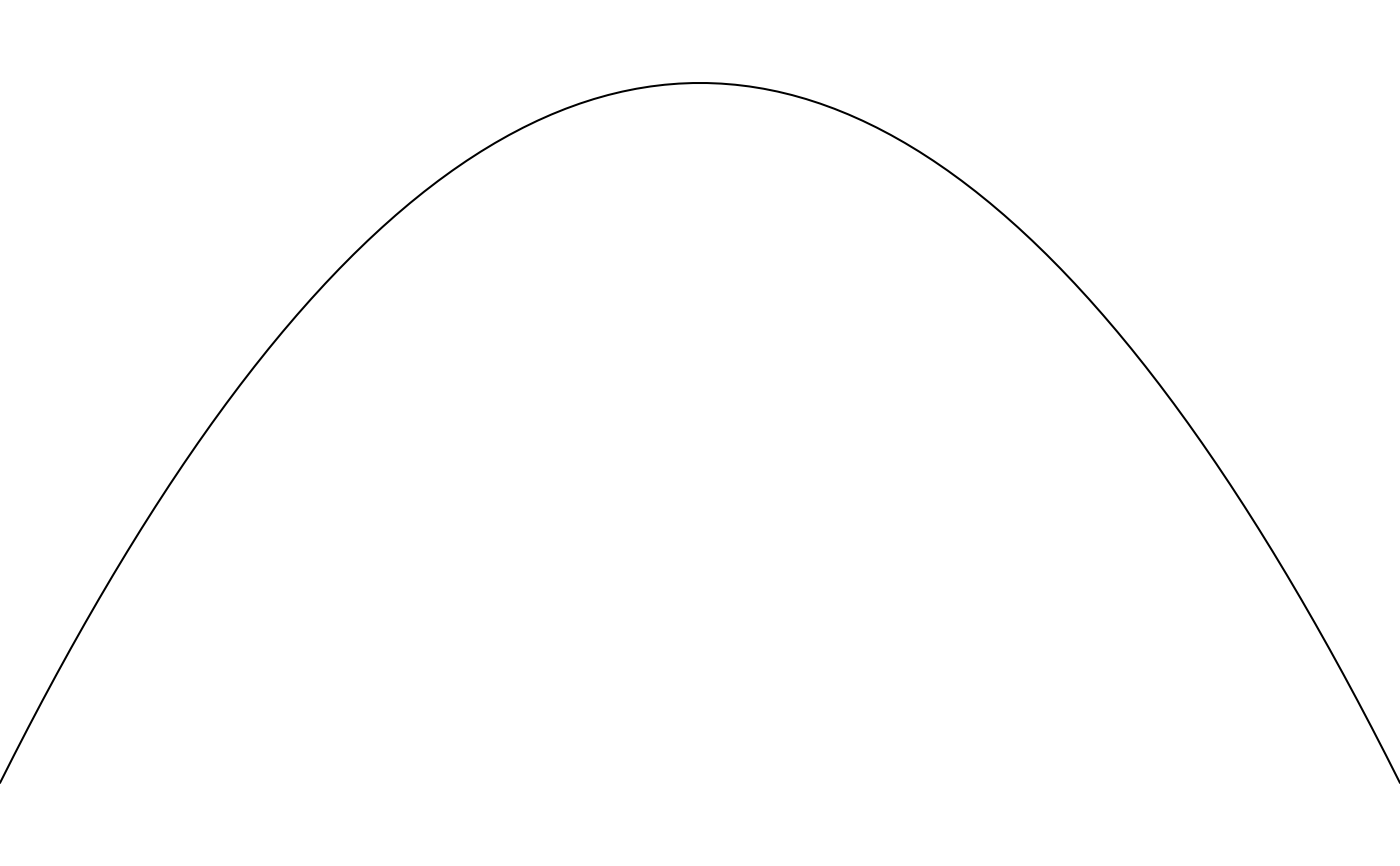 # unlike shape_bezier(), the curve stops at its last control point
# rather than closing back to the first
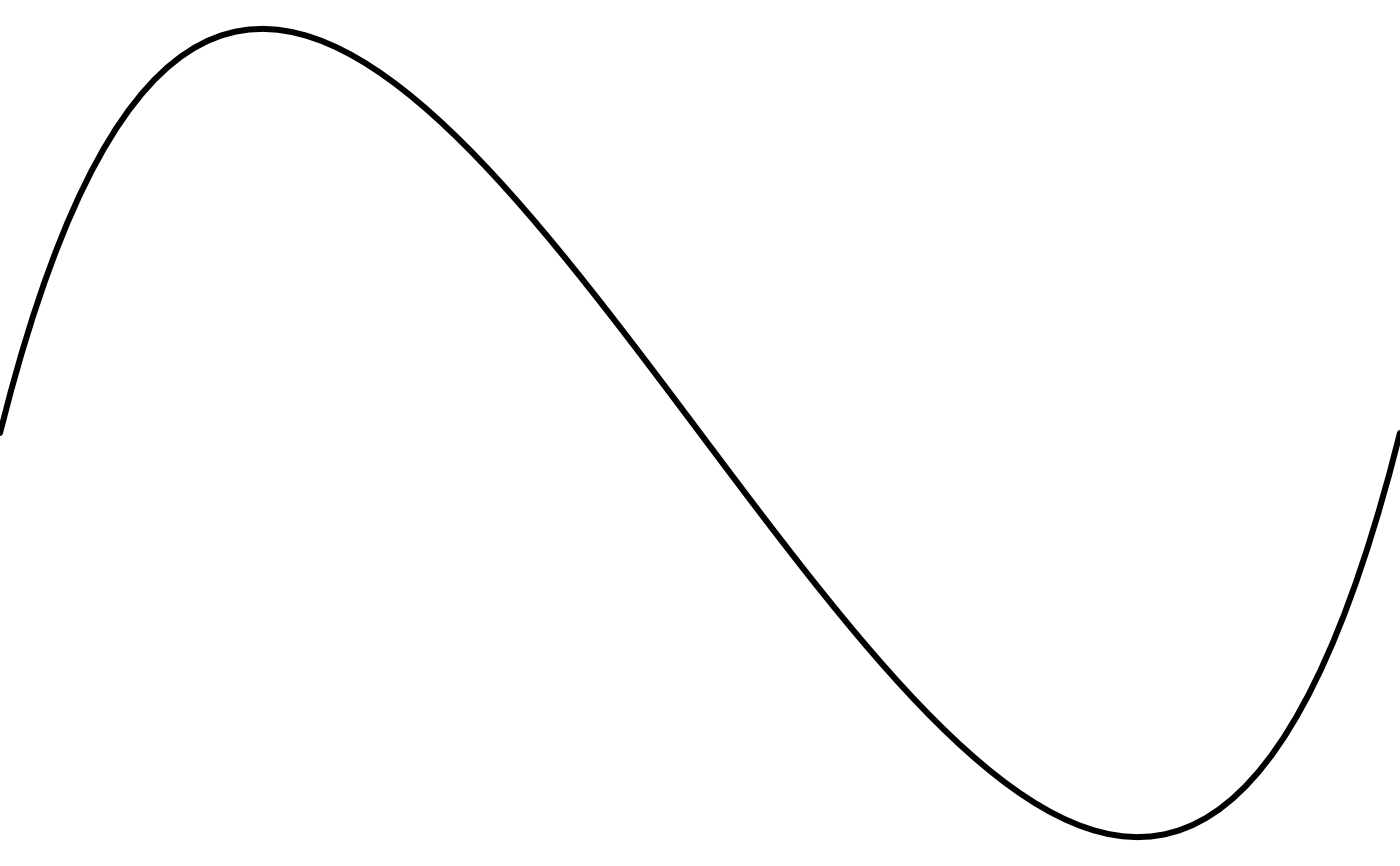
draw(curve_bezier(
x = c(0, 0.25, 0.75, 1), y = c(0, 1, -1, 0), linewidth = 3
))
# unlike shape_bezier(), the curve stops at its last control point
# rather than closing back to the first
draw(curve_bezier(
x = c(0, 0.25, 0.75, 1), y = c(0, 1, -1, 0), linewidth = 3
))
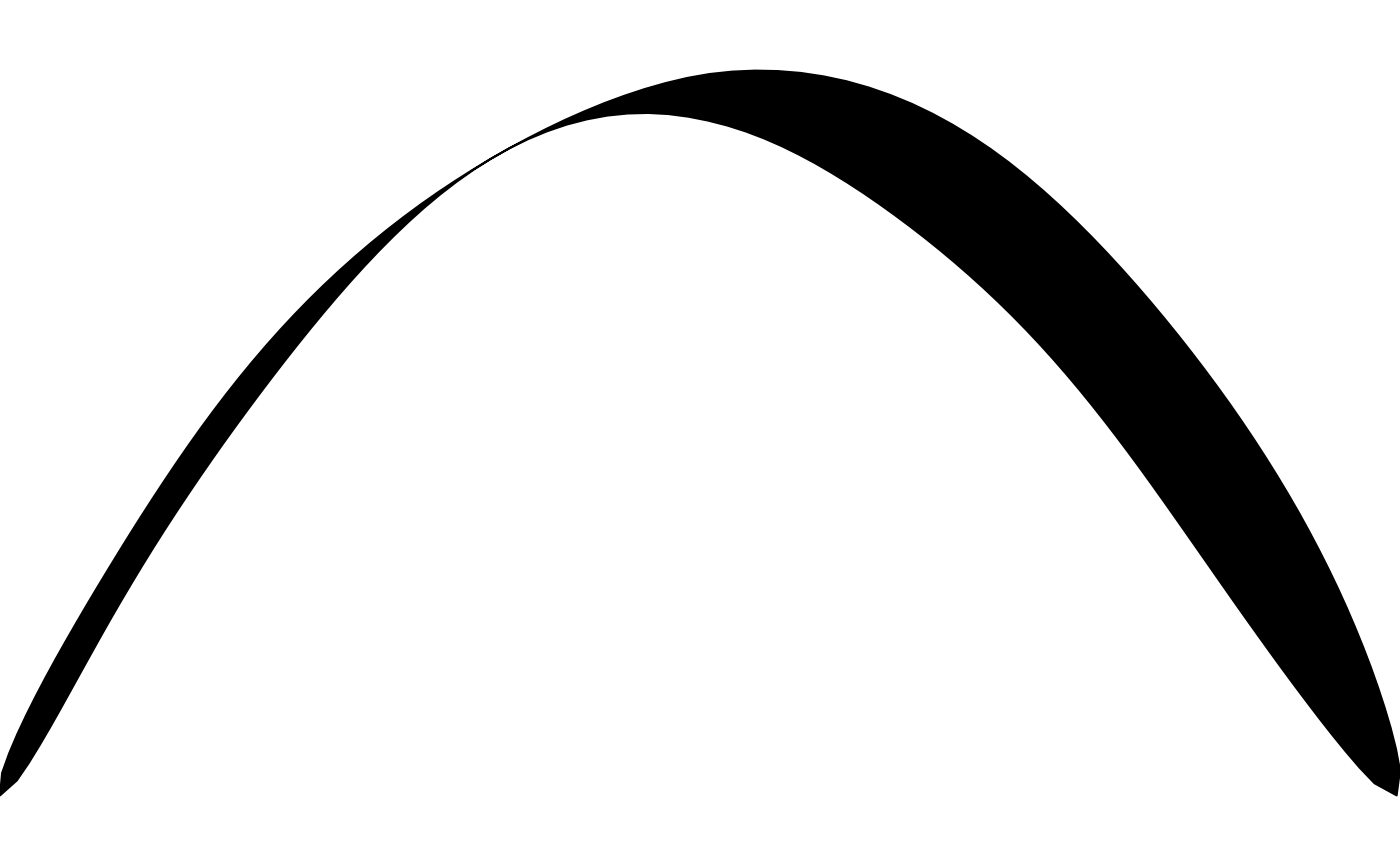
 # a ribbon can be built around any curve_*() path with shape_strokepath()
draw(shape_strokepath(
curve_bezier(x = c(0, 0.5, 1), y = c(0, 1, 0)),
width = 0.15
))
# a ribbon can be built around any curve_*() path with shape_strokepath()
draw(shape_strokepath(
curve_bezier(x = c(0, 0.5, 1), y = c(0, 1, 0)),
width = 0.15
))
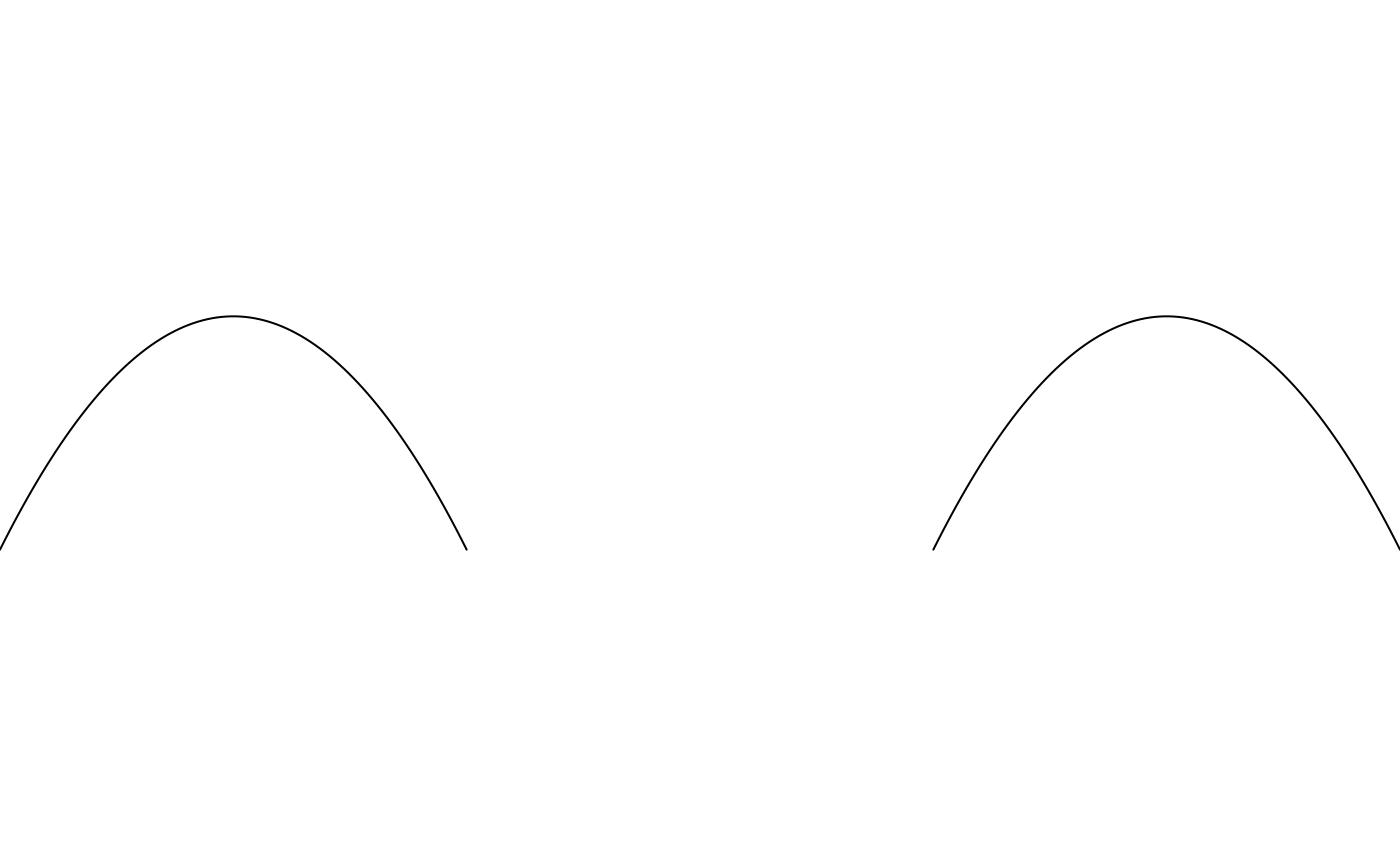
 draw(curve_beziers(
x = list(c(0, 0.5, 1), c(2, 2.5, 3)),
y = list(c(0, 1, 0), c(0, 1, 0))
))
draw(curve_beziers(
x = list(c(0, 0.5, 1), c(2, 2.5, 3)),
y = list(c(0, 1, 0), c(0, 1, 0))
))