fill_halftone() is fill_stipple()'s other variant: instead of
scattering dots of one fixed size, each dot's radius is drawn
uniformly at random from radius, giving a mottled halftone-print
look rather than a uniform stipple.
Usage
fill_halftone(
  color = "black",
  radius = c(0.05, 0.2),
  spacing = 0.3,
  aspect = NULL,
  n = 4L,
  seed = 1L,
  extend = "repeat"
)
Arguments
- color
One or more dot colours. A vector shorter than
nis recycled (in order, not randomly) across the scattered dots – a single colour (the default) colours every dot the same, matching the original behaviour. Default"black".- radius
Dot radius range, as a length-2 numeric vector giving the
"npc"-fraction-of-tile minimum and maximum (a dot's actual radius is drawn uniformly from this range). Both values must be positive, and the first must be no larger than the second. Defaultc(0.05, 0.2).- spacing
Baseline tile size, as a fraction of the target's bounding box. Must be a positive number. Default
0.3.- aspect
Width-to-height ratio of the target polygon's bounding box. Must be a positive number, or
NULL(the default) to resolve it automatically from the real target's own bounding-box aspect ratio atdraw()time – see the fill class. Passing a fixed number instead computes the pattern once, immediately, against that value only.- n
Number of dots scattered per tile. Must be a positive integer. Default
4L.- seed
Integer seed for the dot positions. Default
1L.- extend
Passed to
grid::pattern(). Default"repeat".
Value
A pattern object as returned by grid::pattern(), suitable for
use as the fill argument to grid::gpar().
Details
Like fill_stipple() (and unlike fill_scatter()), it scatters plain
grid::circleGrob()s, so it's immune to the polygon-specific
rendering problems documented at fill_scatter() – but it shares
fill_stipple()'s own, separate "Known rendering risk with multiple
dots" (repeated tiles containing several circleGrobs were, in
testing, sometimes visibly distorted on this package's development R
build; see that section for details). There is no known way to avoid
this while still getting a genuine scattered-dot texture, so check
rendered output visually here too.
As with fill_stipple(), aspect corrects for the target's own
bounding-box aspect ratio automatically by default, keeping the dots
circular rather than elliptical (see fill_hatch()'s own aspect
docs). Dot centres are kept at least max(radius) from each tile
edge, so even the largest possible dot isn't clipped away near a
boundary.
Examples
draw(shape_circle(
fill = fill_halftone(radius = c(0.05, 0.15), seed = 3187L)
))
 # a wider radius range gives more size contrast between dots
draw(shape_circle(
fill = fill_halftone(radius = c(0.02, 0.22), n = 6L, seed = 3187L)
))
# a wider radius range gives more size contrast between dots
draw(shape_circle(
fill = fill_halftone(radius = c(0.02, 0.22), n = 6L, seed = 3187L)
))
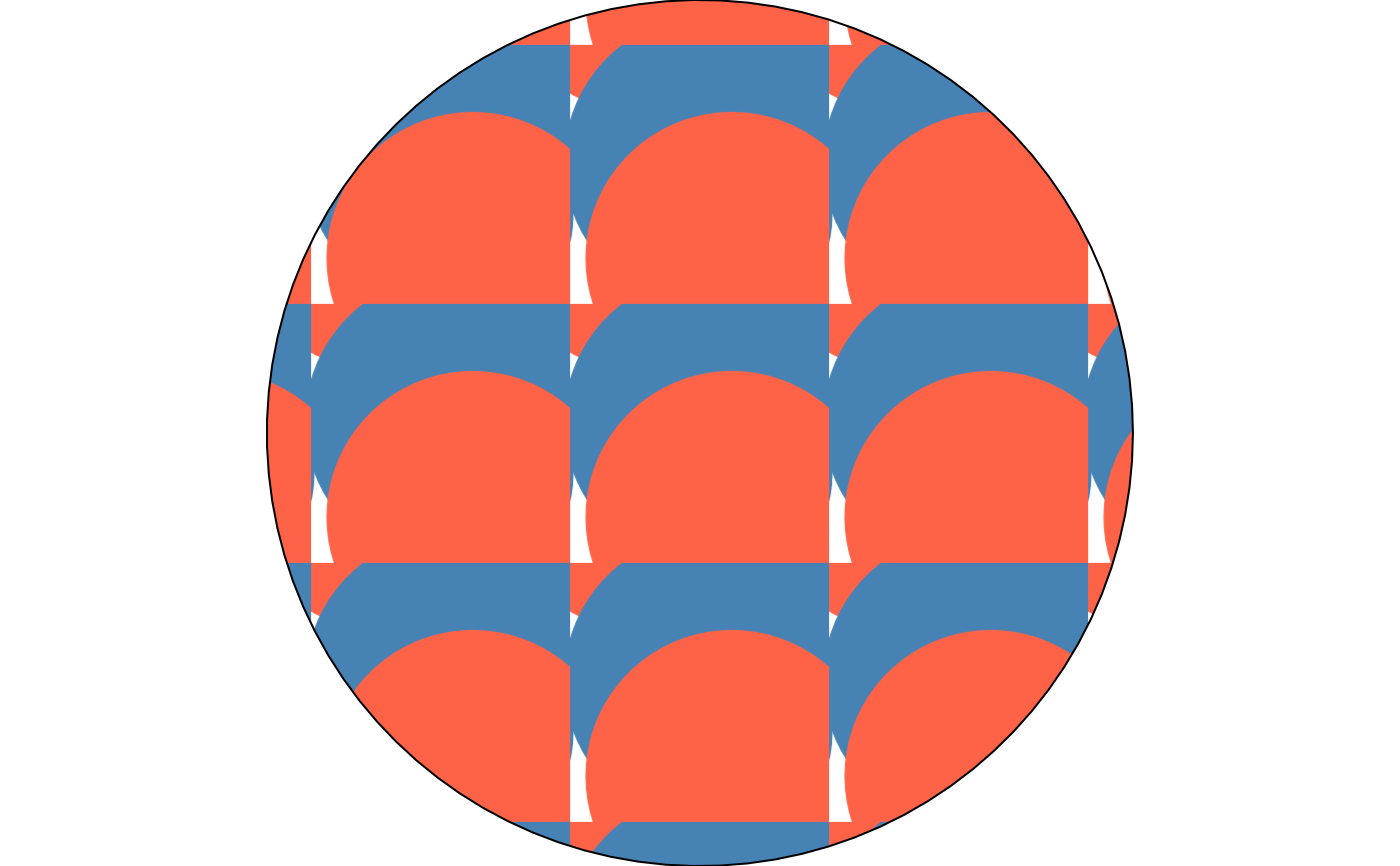
 # a colour vector is recycled across the dots, as in fill_stipple()
draw(shape_circle(
fill = fill_halftone(
color = c("steelblue", "tomato"),
n = 8L,
seed = 3187L
)
))
# a colour vector is recycled across the dots, as in fill_stipple()
draw(shape_circle(
fill = fill_halftone(
color = c("steelblue", "tomato"),
n = 8L,
seed = 3187L
)
))