fill_image() builds a grid::pattern() fill value whose tile content is
an arbitrary bitmap, rather than a texture generated by this package. It
plugs any raster the caller already has in memory into the same
grid::pattern() machinery fill_noise() uses for its own generated
raster – but with the raster supplied, not computed.
Usage
fill_image(
  image,
  preserve_aspect = TRUE,
  spacing = 1,
  aspect = NULL,
  interpolate = TRUE,
  extend = "repeat"
)
Arguments
- image
A raster image: a
"raster"object, or a matrix/array accepted bygrDevices::as.raster(). Not a file path – read the file first with e.g.png::readPNG(),jpeg::readJPEG(), ormagick::image_read().- preserve_aspect
Whether to letterbox the image to preserve its own pixel aspect ratio (
TRUE), or stretch it to exactly fill each tile (FALSE). DefaultTRUE.- spacing
Tile size, as a fraction of the target's bounding box. Must be a positive number. Default
1(one tile spans the whole shape).- aspect
Width-to-height ratio of the target polygon's bounding box. Must be a positive number, or
NULL(the default) to resolve it automatically from the real target's own bounding-box aspect ratio atdraw()time – see the fill class. Passing a fixed number instead computes the pattern once, immediately, against that value only.- interpolate
Passed to
grid::rasterGrob(). DefaultTRUE.- extend
Passed to
grid::pattern(). Default"repeat".
Value
A pattern object as returned by grid::pattern(), suitable for
use as the fill argument to grid::gpar().
Details
fill_image() doesn't read image files itself, to avoid adding an image
I/O dependency (png/jpeg/magick, ...) to a package that otherwise
has none. Load the file first with whichever of those packages is
already on hand, then pass the result (or grDevices::as.raster() of
it) as image – e.g. fill_image(png::readPNG("logo.png")) or
fill_image(magick::image_read("logo.png")). Anything
grDevices::as.raster() accepts works: a "raster" object, a character
matrix of colour strings, or a numeric array of 0-1 RGB/RGBA
intensities.
Unlike the other fill_*() helpers, fill_image()'s content has its
own pixel aspect ratio to account for, on top of the usual
target-bounding-box correction every helper needs (aspect, defaulting
to automatic resolution exactly as every other helper – see
fill_hatch()'s own aspect docs – and corrected for exactly as
fill_noise() does – keeping the tile physically square). With
preserve_aspect = TRUE (the default), the image is
letterboxed to fit that square tile without distorting it: whichever of
width/height is smaller in the image's own pixel dimensions is shrunk
to fit, leaving the tile's remaining margin transparent. Set
preserve_aspect = FALSE to stretch the image to fill the tile exactly
instead, matching fill_noise()'s own (always-stretched) behaviour.
Examples
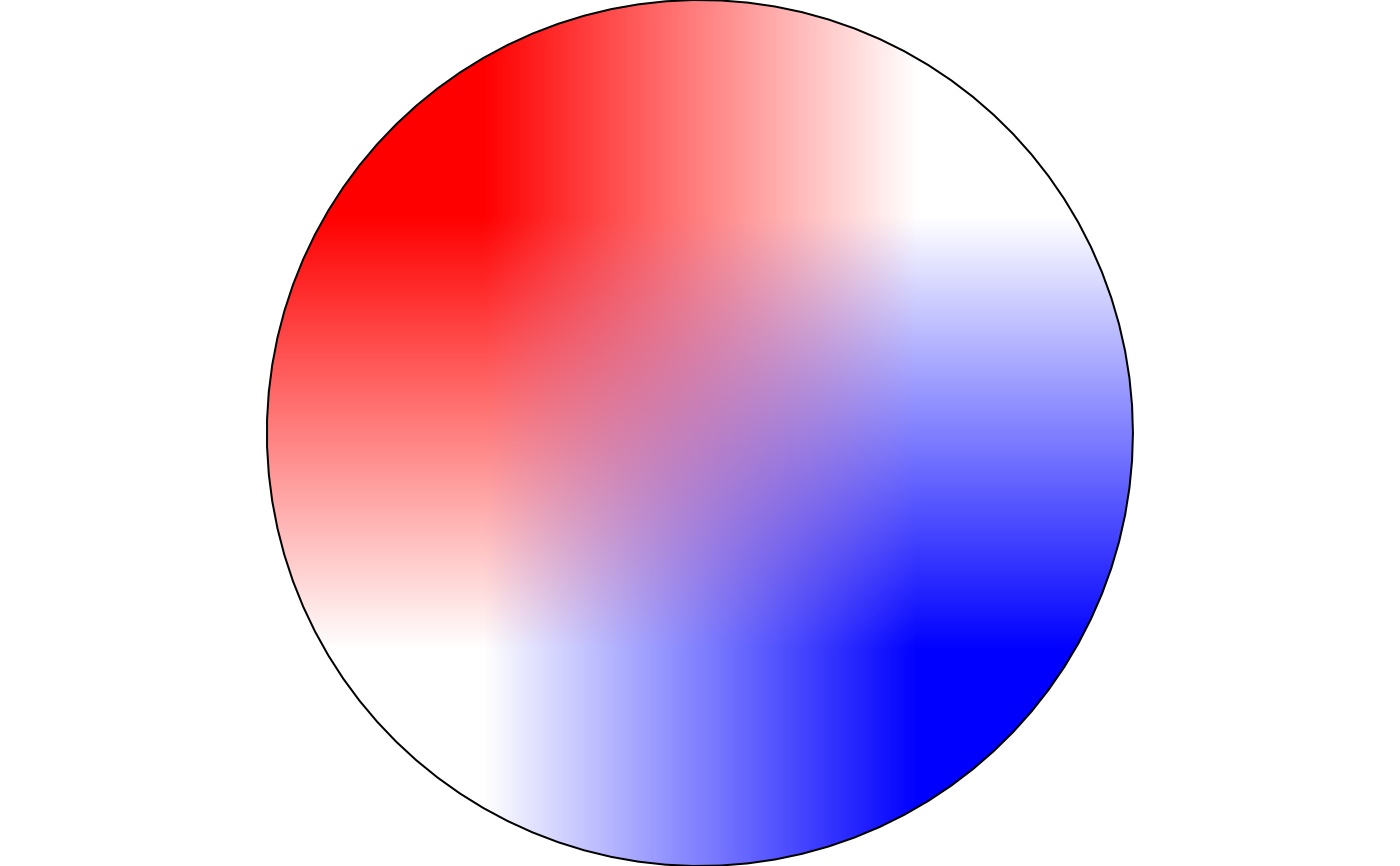
img <- matrix(c("red", "white", "white", "blue"), nrow = 2)
draw(shape_circle(fill = fill_image(img, preserve_aspect = FALSE)))
 # a non-square image, letterboxed (default) vs. stretched to fill the tile
wide_img <- matrix(c("red", "white", "blue"), nrow = 1)
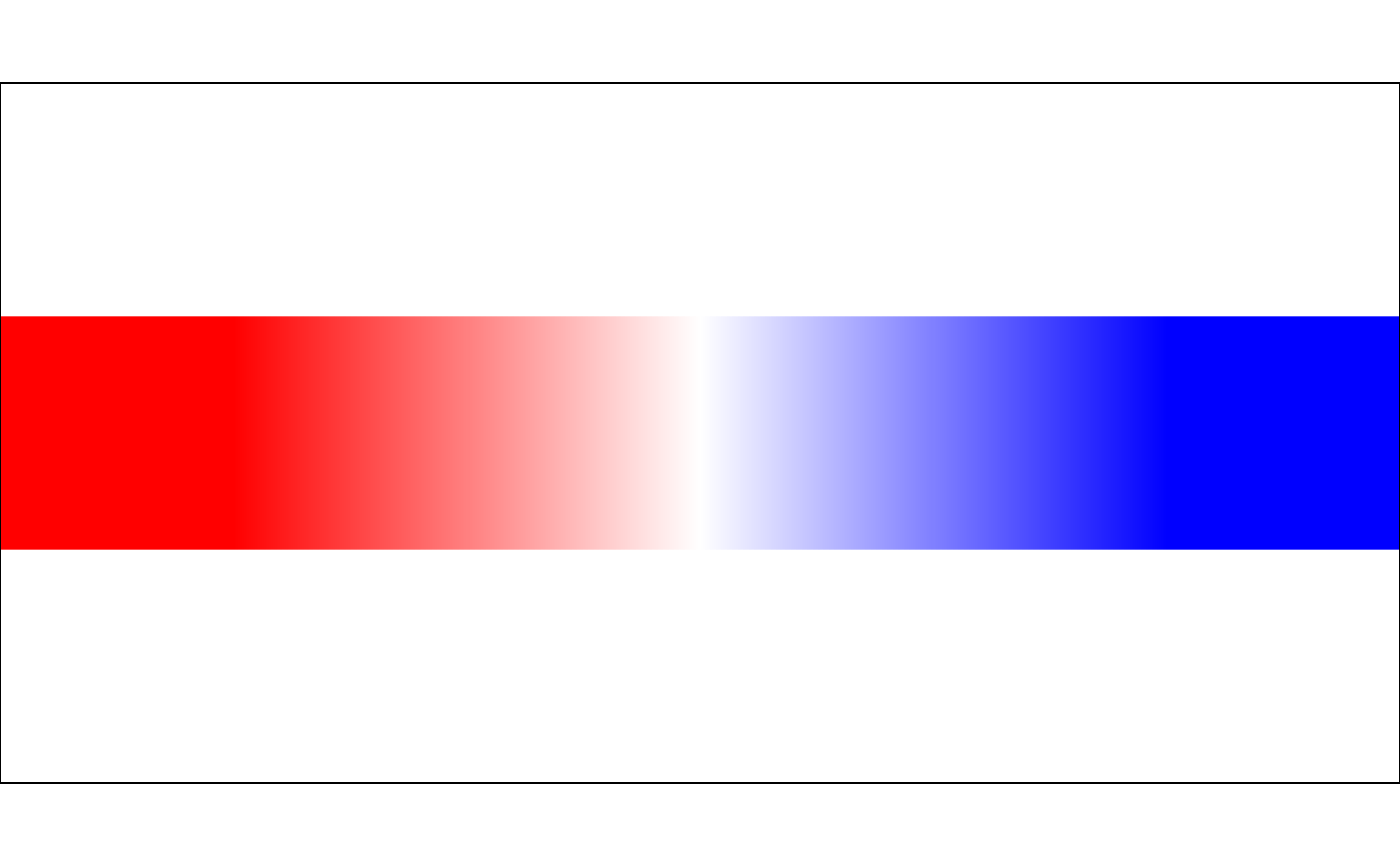
draw(shape_rectangle(width = 2, height = 1, fill = fill_image(wide_img)))
# a non-square image, letterboxed (default) vs. stretched to fill the tile
wide_img <- matrix(c("red", "white", "blue"), nrow = 1)
draw(shape_rectangle(width = 2, height = 1, fill = fill_image(wide_img)))
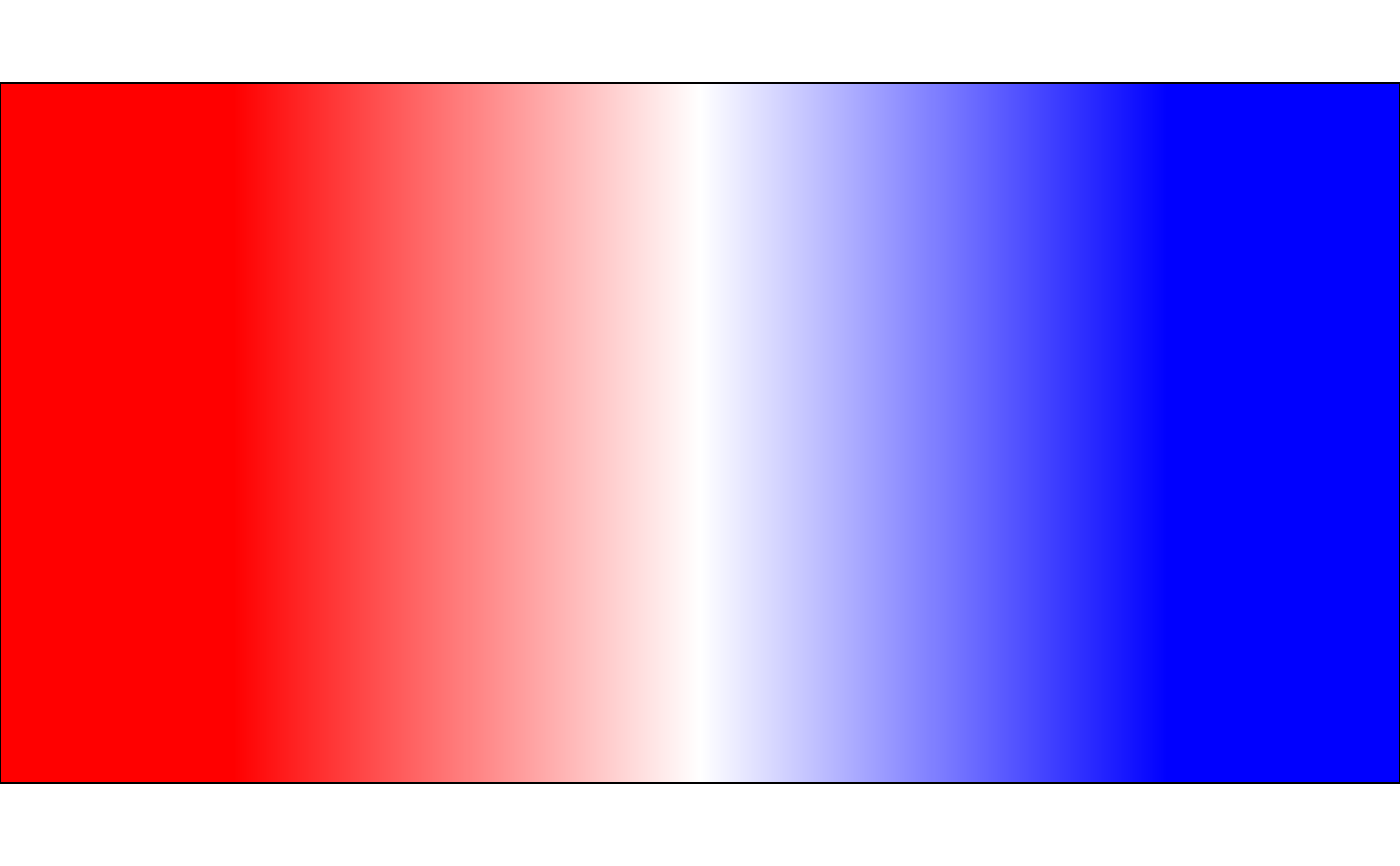
 draw(shape_rectangle(
width = 2,
height = 1,
fill = fill_image(wide_img, preserve_aspect = FALSE)
))
draw(shape_rectangle(
width = 2,
height = 1,
fill = fill_image(wide_img, preserve_aspect = FALSE)
))