fill_stripe() builds a grid::pattern() fill value that renders
repeating solid bands, at a given angle, generalized from two colours
to an arbitrary palette.
Usage
fill_stripe(
  color = c("black", "white"),
  angle = 45,
  spacing = 0.2,
  aspect = NULL,
  extend = "repeat"
)
Arguments
- color
Two or more stripe colours, one equal-width band each (see details for biasing band widths). Default
c("black", "white").- angle
Hatch angle in degrees, measured counterclockwise from the positive x-axis. Default
45.- spacing
One full period through all of
color, as a fraction of the target's bounding box. Must be a positive number. Default0.2.- aspect
Width-to-height ratio of the target polygon's bounding box. Must be a positive number, or
NULL(the default) to resolve it automatically from the real target's own bounding-box aspect ratio atdraw()time – see the fill class. Passing a fixed number instead computes the pattern once, immediately, against that value only.- extend
Passed to the inner
grid::linearGradient(), controlling what happens beyond the colour stops – not to the outergrid::pattern()call, which always usesextend = "repeat"(see details). Default"repeat".
Value
A pattern object as returned by grid::pattern(), suitable for
use as the fill argument to grid::gpar().
Details
Unlike fill_hatch(), this doesn't use the corner-to-corner-diagonal
tile-shape technique at all – because a filled band, unlike a thin
hatch line, needs every point along a tile's edge to match its
neighbour, not just the points where a thin line happens to cross, a
single diagonal split of a tile turns out not to tile seamlessly at an
arbitrary angle the way a thin hatch line does. Instead, fill_stripe()
sidesteps grid::pattern()'s tile-copy repetition altogether: the
stripe angle and period come from a grid::linearGradient() with hard
colour stops (no smooth transition) and extend = "repeat", which
repeats itself continuously along its own axis – a fundamentally
different (and for this purpose, simpler) mechanism than tiling a
rasterised copy. grid::pattern() is still used around this gradient,
but only once, as a single square (automatically aspect-corrected –
see fill_hatch()'s own aspect docs) tile spanning the whole target
shape, exactly as fill_gradient() does by default – not to create
repetition, which the gradient already provides.
Each of the n = length(color) colours gets an equal-width band by
default (1/n of the period); there's no separate argument for unequal
bands – repeat a colour in color instead (e.g. c("steelblue", "steelblue", "white") gives a 2:1 ratio between the two colours), which
reuses the same recycling mechanism rather than adding a second one.
Examples
draw(shape_circle(fill = fill_stripe(angle = 30)))
 # repeating a colour biases the band widths, rather than a separate argument
draw(shape_circle(
fill = fill_stripe(color = c("steelblue", "steelblue", "white"))
))
# repeating a colour biases the band widths, rather than a separate argument
draw(shape_circle(
fill = fill_stripe(color = c("steelblue", "steelblue", "white"))
))
 # narrower spacing gives more, thinner stripes
draw(shape_circle(fill = fill_stripe(angle = 90, spacing = 0.08)))
# narrower spacing gives more, thinner stripes
draw(shape_circle(fill = fill_stripe(angle = 90, spacing = 0.08)))
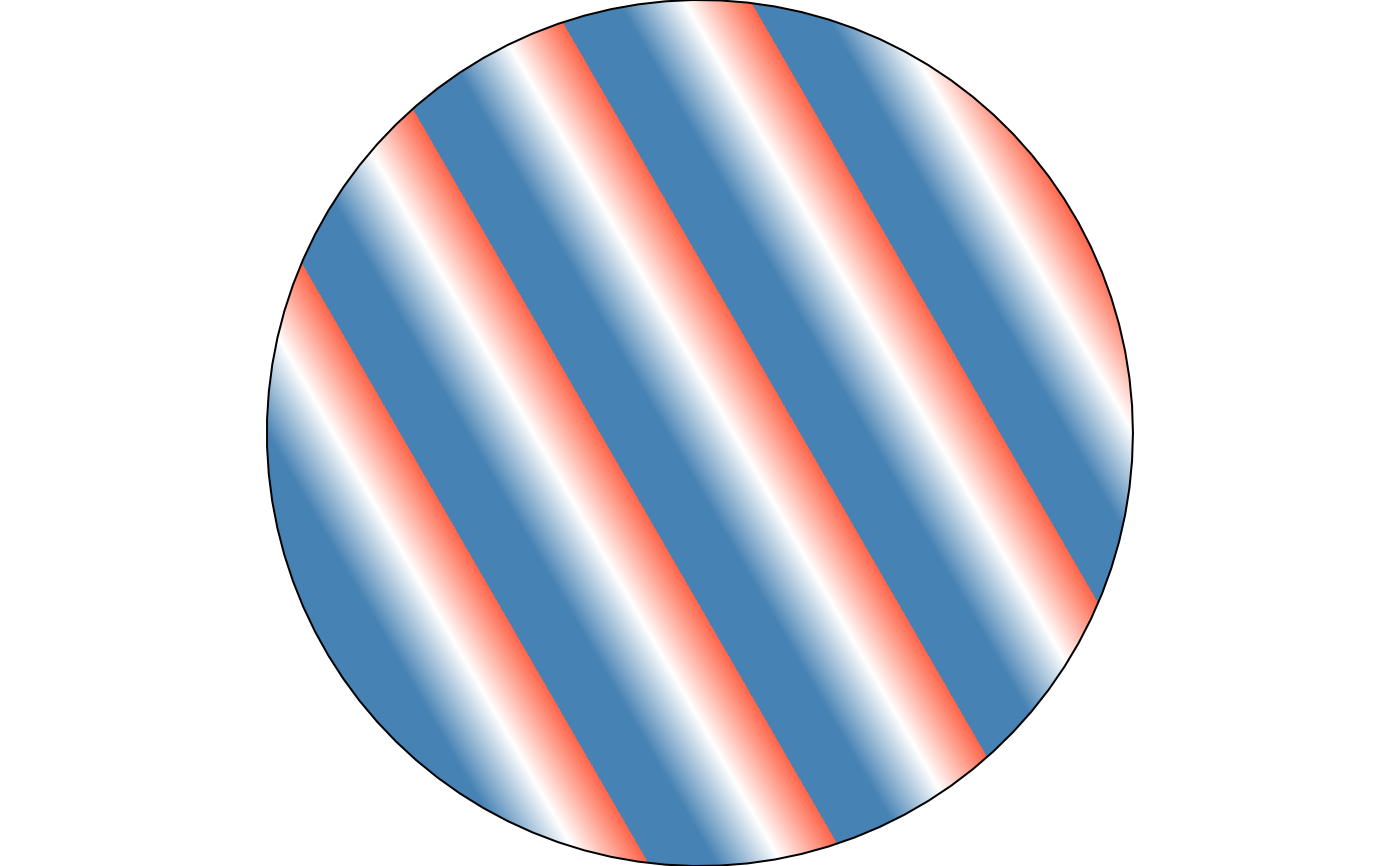
 # three or more colours repeat through the same period
draw(shape_circle(
fill = fill_stripe(color = c("steelblue", "white", "tomato"), angle = 30)
))
# three or more colours repeat through the same period
draw(shape_circle(
fill = fill_stripe(color = c("steelblue", "white", "tomato"), angle = 30)
))