fill_vignette() builds a grid::pattern() fill value that fades
colour out towards the edges of each tile, using grid::as.mask() –
the one grid capability the rest of the fill_*() family doesn't
touch. A color layer (solid for a single colour, or a
grid::radialGradient() blend for two or more) is masked by a radial
alpha mask (opaque at the tile centre, fully transparent at its edge),
optionally revealing a solid background layer underneath rather than
true transparency.
Usage
fill_vignette(
  color = "black",
  background = NA,
  spacing = 1,
  aspect = NULL,
  extend = "repeat"
)
Arguments
- color
One or more fill colours, blended from the tile's centre outward. A single colour (the default) is a solid fade, exactly as before this argument accepted a vector; two or more blend via a
grid::radialGradient()before the same alpha mask is applied. Default"black".- background
Fill colour revealed as
colorfades out, orNAfor true transparency (showing whatever is drawn behind the target shape). DefaultNA.- spacing
Tile size, as a fraction of the target's bounding box. Must be a positive number. Default
1(one tile spans the whole shape).- aspect
Width-to-height ratio of the target polygon's bounding box. Must be a positive number, or
NULL(the default) to resolve it automatically atdraw()time – seefill_hatch()'s ownaspectdocs.- extend
Passed to
grid::pattern(). Default"repeat".
Value
A pattern object as returned by grid::pattern(), suitable for
use as the fill argument to grid::gpar().
Details
As with fill_gradient(), the fade shape is kept circular by correcting
the tile to be physically square via aspect (the target's
bounding-box width-to-height ratio, resolved automatically by default
– see fill_hatch()'s own aspect docs), the same technique
fill_stipple() uses for its dots – once the tile is square, a mask
specified inside it in plain "npc" needs no further correction.
A mask must always be built with grid::as.mask() and an explicit
type = "alpha" here, rather than passed as a bare grob (which defaults
to an alpha mask anyway) – during prototyping, a bare mask grob whose
own fill was a grid::radialGradient() intermittently triggered an
"Ignored luminance mask (not supported on this device)" warning on this
session's device, even though the rendered result was visually correct
either way. Being explicit with as.mask(..., type = "alpha") avoided
the warning entirely with an identical render, so that's what's used
here; true grid::as.mask() luminance masks were found not to work at
all in this nested tile context (silently ignored, regardless of
explicitness), so fill_vignette() only offers the alpha variant.
Examples
draw(shape_circle(fill = fill_vignette(color = "black")))
 # a non-NA background reveals a solid colour underneath the fade,
# instead of true transparency
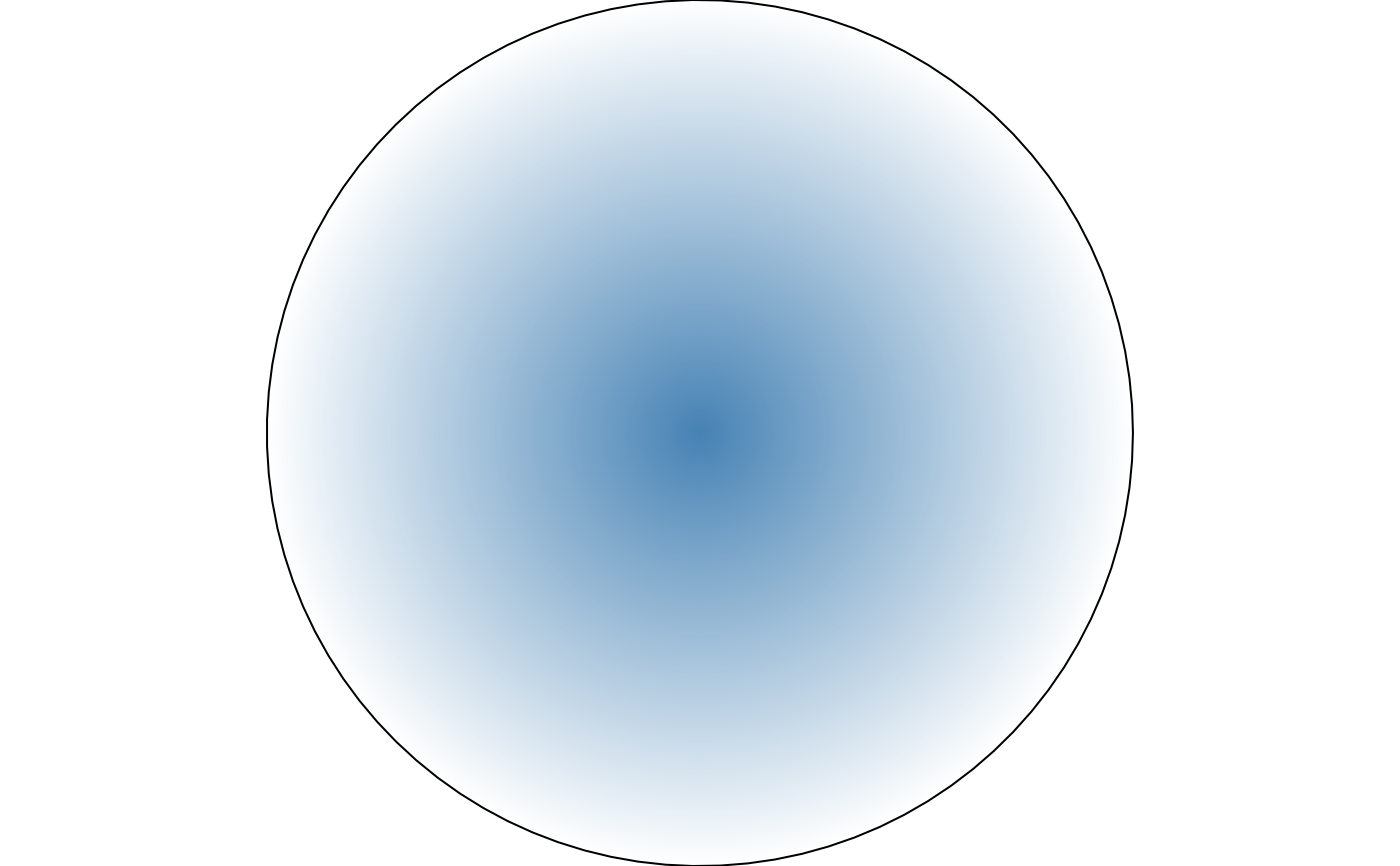
draw(shape_circle(
fill = fill_vignette(color = "steelblue", background = "white")
))
# a non-NA background reveals a solid colour underneath the fade,
# instead of true transparency
draw(shape_circle(
fill = fill_vignette(color = "steelblue", background = "white")
))
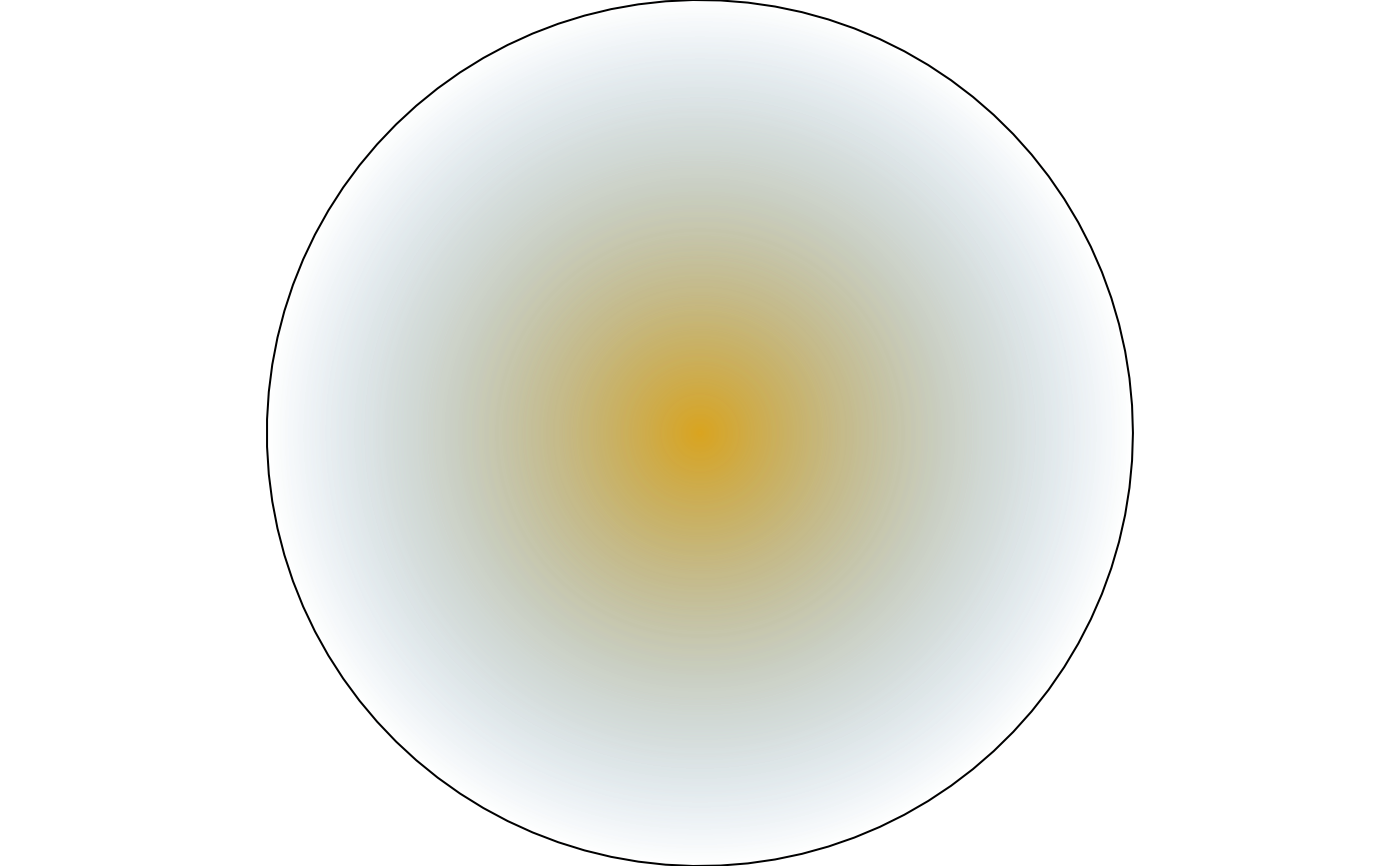
 # two or more colours blend radially before fading via the alpha mask
draw(shape_circle(fill = fill_vignette(color = c("goldenrod", "steelblue"))))
# two or more colours blend radially before fading via the alpha mask
draw(shape_circle(fill = fill_vignette(color = c("goldenrod", "steelblue"))))